
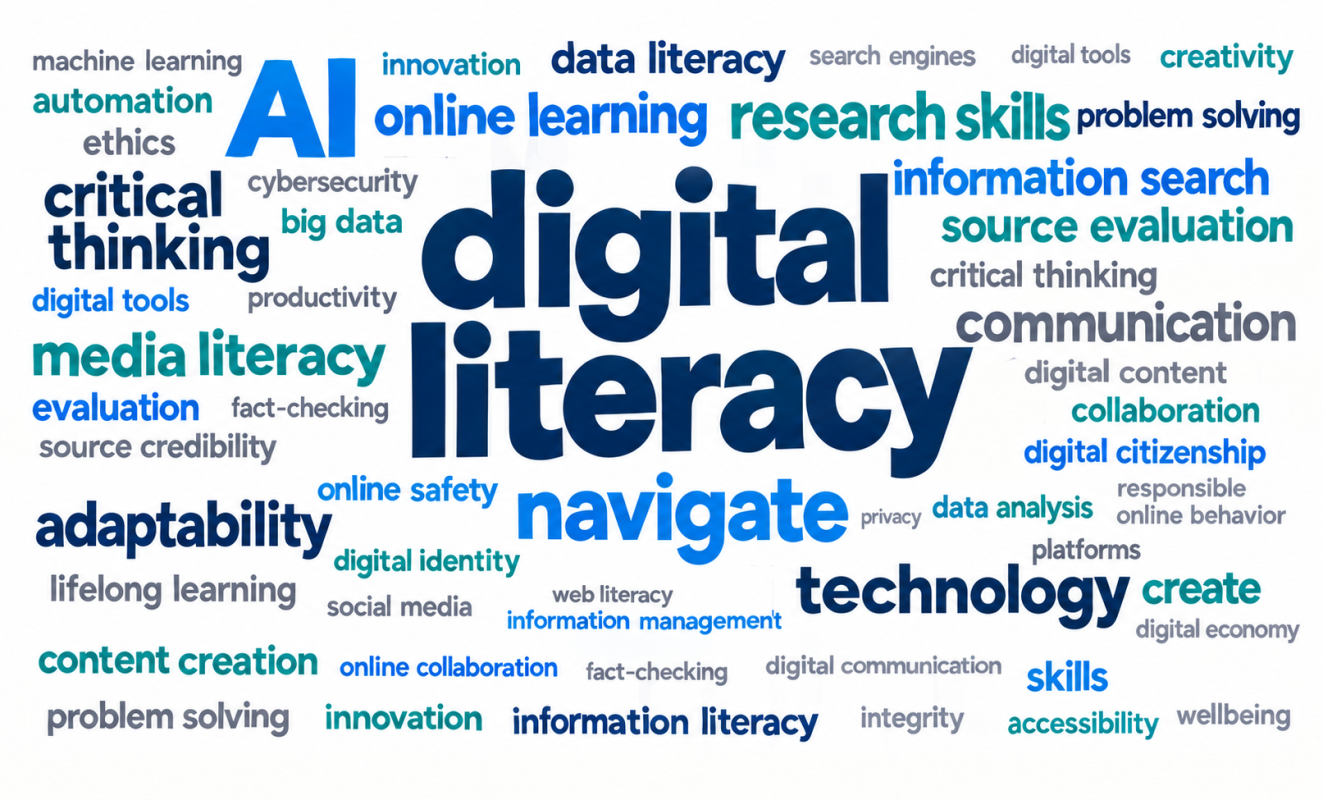
Digital Literacy Program (DLP) at VGU consists of flexible training courses and sessions helping users advance their information and AI literacy in this digital age.

The course aims to improve learners’ research skills, foster critical thinking, and build the foundation for successful academic engagement. The program also introduces modern research tools and applications, and how learners can incorporate the technologies into study, research, and collaboration ethically and responsibly.

Throughout the training, learners are encouraged to use tools as a means of facilitating their work rather than replacing the skills that underpin high-quality scholarship.

Who can attend?

Whether students trying to perfect their thesis papers or staff members embarking on a new research project, the Library can help them reach the goal by holding a training session tailored to their purpose of study. Besides, DLP is also designed to accommodate the needs of external users as well as high-schoolers who wish to gain pre-university skills.

What’s in this course?

DLP is designed to help learners develop research skills and maximize their productivity with AI-powered technologies.

Skills and Techniques

Description

Library Use (Library Orientation)

– Explore the Library’s services and resources

– Maximize their use for study and research 

Academic Sources Discovery

– Familiarize with scholarly resources and databases

– Refine search results with advanced tools

– Evaluate sources’ credibility, accuracy, authority, and bias 

– Verify and compare sources quickly with AI

Citation & Referencing

– Credit sources properly using standard citation styles 

– Simplify the citation process with reference management tools (Zotero, EndNote)

AI for Study and Collaboration

– Apply AI in writing, presentations, groupwork interaction, and coursework review

– Optimize AI use with smart prompt patterns

AI for Research

Streamline research work and study with AI-powered tools

Literature Review and AI

– Identify research gaps (VOSviewer)

– Learn a step-by-step literature review process

– Analyze literature review with AI tools (LeapSpace, SciSpace, Connected Papers, etc.)

Periodical Sessions for Research Tools Mastering

LaTeX, Python, R, Zotero in LaTeX, etc.

Study Mode

To facilitate the learning process, the Library offers learners several ways to seamlessly access the training program:

Self-study

Learn at your own pace with free Moodle courses and earn a certificate from VGU Library when completing the session.

Onsite

Join a group or individual training session in person at the Library.

Online

Can’t come in person? Don’t worry, online classes are available too.

Leave a feedback on DLP

Don’t forget to enjoy information searching song with Librarians do gaga!

The Big6™ is a process model for information problem-solving. It integrates information search and use skills along with technology tools in a systematic process to find, use, apply, and evaluate information for specific needs and tasks. The Big6 was developed by Mike Eisenberg and Bob Berkowitz and is the popular approach to teaching information and technology skills for schools and HEIs in the world.

Here is the summary of Big6 model using experience, considered as a framework for searching:

Big6 Tasks Questions to ask yourself

STEP 1:

Task definition


1. Define the problem

2. Identify the information need

1. What does my teacher expect me to do?

2. Do I understand what I need to do?

3. What are the questions I need to answer?

4. What do I need to know about the topic?

STEP 2:

Information seeking strategies

1. Identify all resources

2. Select the best resources

1. Where can you start to look for information?·

2. Who can I talk too to get information?

3. What are the best sources to use?

STEP 3:  

Location and Access

1. Locate resources

2. Find information in resources

1.  Where can I find these resources?

2. How do I search to get to them?

3. Where do I find the information in the resource?

STEP 4:            

Use of information

1. Read, view information – decide which parts you want to use (and leave out)

1. What type of information did I find?

2. Will the information answer the questions I have?

3. How do I write notes on the information?

4. Is the information reliable?

STEP 5:

Synthesis (Putting Puzzle together)

1. Organize resources

2. Present the information

1. How do I fit all the information together

2. How do I write an outline of the project?

3. How do I present the information to my teacher to answer the question?

4. Did I remember to make notes of all the sources for the  bibliography?

STEP 6:

Evaluation

1. Judge the product

2. Judge the process

1. Did I solve the problem?

2. Did I write the project in a format that will be understood?

3. Will I do anything different the next time?

4. What did I learn?

5. Am I pleased with the project?

More information can be retrieved from:

All information, especially online content requires critical evaluation. We can apply the CRAAP test to determine the credibility and reliability of an e-source:

CURRENCY The timeliness of the information


 – When was the information published or posted?

 – Has the information been revised or updated?

 – Is the information current or out-of date for your topic?

 – Are the links functional?

RELEVANCY The importance of the information for your needs


 – Does the information relate to your topic or answer your question?

 – Who is the intended audience?

 – Is the information at an appropriate level (i.e. not too elementary or advanced for your needs)?

 – Have you looked at a variety of sources before determining this is one you will use?

 – Would you be comfortable using this source for a research paper?

AUTHORITY  The source of the information


 – Who is the author/publisher/source/sponsor?

 – Are the author’s credentials or organizational affiliations given?

 – What are the author’s credentials or organizational affiliations given?

 – What are the author’s qualifications to write on the topic?

 – Is there contact information, such as a publisher or e-mail address?

 – Does the URL reveal anything about the author or source?

Ex: .com (commercial), .edu (educational), .gov (V.N. government), .org (nonprofit organization), or .net (network)

ACCURACY The reliability, truthfulness, and correctness of the content


 – Where does the information come from?

 – Is the information supported by evidence?

 – Has the information been reviewed or refereed?

 – Can you verify any of the information in another source or from personal knowledge?

 – Does the language or tone seem biased and free of emotion?

 – Are there spelling, grammar, or other typographical errors?

PURPOSE The reason the information exists


 – What is the purpose of the information? to inform? teach? sell? entertain? persuade?

 – Do the authors/sponsors make their intentions or purpose clear?

 – Is the information fact? opinion? propaganda?

 – Does the point of view appear objective and impartial?

 – Are there political, ideological, cultural, religious, institutional, or personal biase

 Note: The CRAAP test was developed by librarians at CSU Chico

AI for Research: A Support Tool, Not a Researcher

Artificial Intelligence can support different stages of the research process — from idea development to writing — but it does not replace scholarly judgment, evidence, or academic responsibility.

Use AI to assist thinking, not to think for you.
 

Where AI Can Support the Research Process

AI can be helpful at several non-substitutive stages of research:

  • Exploring and narrowing research topics
  • Clarifying research questions or objectives
  • Identifying keywords and search strategies
  • Summarizing articles for initial understanding
  • Improving language clarity and structure

These uses save time and improve organization — but the researcher remains fully responsible for accuracy and originality.


Using AI in Literature Review (Safely)

AI can assist with understanding literature, but it should never replace reading original sources.

  • Ask AI to summarize a paper after you read it
  • Request comparisons between concepts or theories
  • Generate questions to guide deeper reading
  • Explain complex terminology in simpler language
AI summaries may miss nuance, limitations, or methodology — always verify with the original article.
 

What AI Should NOT Be Used for in Research

  • Fabricating data, results, or references
  • Generating citations without verification
  • Writing full research papers for submission
  • Interpreting data without researcher review
If AI output appears “too perfect,” it requires extra scrutiny.
 

AI for Academic Writing Support

AI can support the writing process without compromising integrity:

  • Improving grammar, tone, and clarity
  • Rewriting sentences for conciseness
  • Checking coherence between paragraphs
  • Suggesting structure for sections

Final wording, arguments, and citations must always be reviewed and approved by the researcher.


Examples of Responsible Research Prompts

  • “Help me refine this research question for clarity.”
  • “Summarize the key arguments of this article I have read.”
  • “Suggest keywords for searching academic databases.”
  • “Explain this theory in simple terms for better understanding.”


Reflection: Using AI Responsibly in Research

Before using AI in your research, ask yourself:

  • Am I still doing the critical thinking?
  • Can I explain and defend this work myself?
  • Have I verified AI output with reliable sources?

Responsible AI use strengthens research skills — misuse weakens academic credibility.